Capsule: Rethinking Web Apps as Shareable Documents
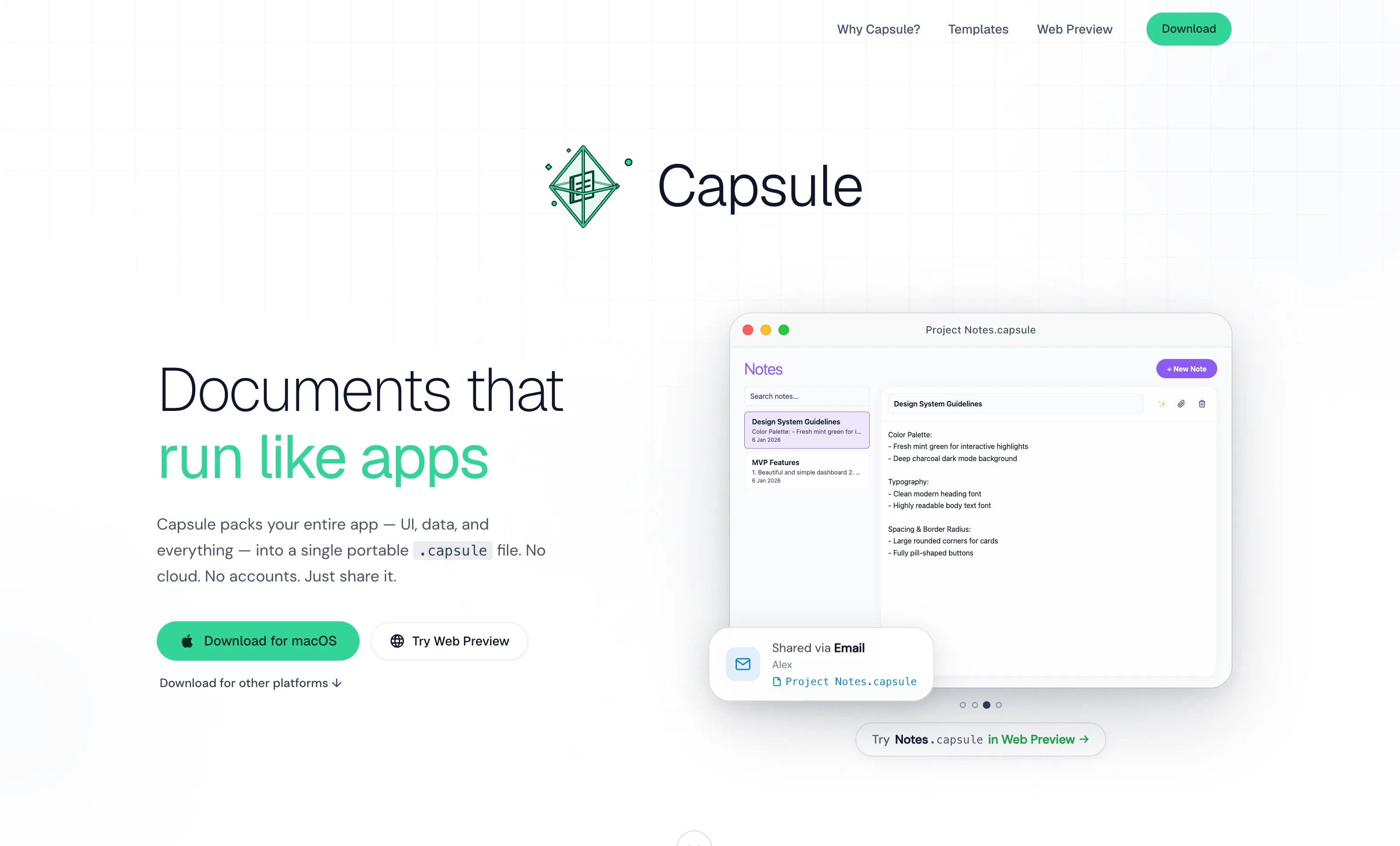
The Document Model for Applications
Most web applications live on servers. You visit a URL, authenticate, and interact with data stored in someone else's infrastructure. Capsule inverts this: applications are files. Download a .capsule file, double-click it, and a complete app launches with all its data already inside—no account creation, no network call required.
The mechanism is straightforward. A .capsule file bundles HTML, CSS, JavaScript, a SQLite database schema, and initial data into a single portable unit. The Capsule runtime (available for macOS 12+, Windows 10+ 64-bit, and Linux) opens these files and executes the application logic locally on your device. Everything happens offline. Data persistence stays inside the file itself.
Portfolio.capsule, mentioned in the project materials, weighs 3.2 MB and contains 24 projects. That file size encapsulates the entire application and dataset—no external dependencies, no API calls home.
Why This Matters for Distribution
Sharing applications today means sharing URLs or app store links. Sharing with Capsule means attaching a file: email, WhatsApp, AirDrop, a shared folder. Users receive exactly what you intended, in exactly the state you created it. No version conflicts, no "are you on the latest build" troubleshooting.
This model breaks vendor lock-in at the application layer. You own the .capsule file. You can back it up, transfer it between computers, or archive it indefinitely. The application doesn't phone home to validate licensing or check whether your subscription is current.
For specific use cases, this is powerful. Internal business tools, personal project portfolios, shared databases for teams, interactive reports—applications where deployment friction currently exceeds value. A design team could share a component library as a .capsule file. A researcher could publish an interactive dataset that readers open and explore locally.
The AI Generation Layer
Capsule includes tooling to generate applications from natural language. Describe what you want ("a task manager that syncs across my devices" or "a budget tracker with charts"), and the AI outputs a working .capsule file with schema, UI, and sample data included.
This addresses a real friction point: the gap between "I have an idea for a small tool" and "I've deployed a working application." Traditional frameworks demand decisions about hosting, databases, authentication, and frontend libraries before you write a single line. Capsule's generation flow compresses this into a prompt and a file.
The practical usefulness depends on output quality, which varies by use case. Simple CRUD applications likely generate well. Complex multi-step workflows may require post-generation editing.
The Trade-offs Worth Stating
The "zero setup" promise has an initial cost. Users must first download and install the Capsule runtime for their operating system. That's one-time friction, but it contradicts the frictionless document-like experience being promoted. A .capsule file is useless without the runtime already installed.
Data portability is also constrained. The .capsule format is proprietary. Without documented tools to inspect, modify, or extract data outside Capsule, users trade cloud lock-in for format lock-in. If the Capsule runtime disappears or stops being maintained, your files remain, but you cannot easily access the SQLite database without reverse-engineering the format.
Scale is another boundary. Capsule applications run entirely on client hardware. A portfolio app with 24 projects on a laptop works fine. A real-time collaborative tool for hundreds of concurrent users does not. The local-only execution model means no server-side computation, no direct peer-to-peer sync, no unified state across devices—unless you add custom sync logic that connects your .capsule files to some backend.
The Actual Use Case
Capsule is well-suited for single-user or small-team applications with bounded data. Personal tools, reference materials, forms, exploratory dashboards, project templates. It's unsuitable for anything requiring real-time multi-user coordination, high computational load, or integration with other systems.
The novelty is not technical. SQLite has been portable for decades. Embedding web views in desktop apps is standard. The contribution is the packaging: treating applications as documents rather than services, and designing distribution and generation around that constraint.
For teams tired of managing cloud infrastructure for small internal tools, or individuals building things they want to own, Capsule removes barriers. The limitation is knowing when those barriers actually matter.